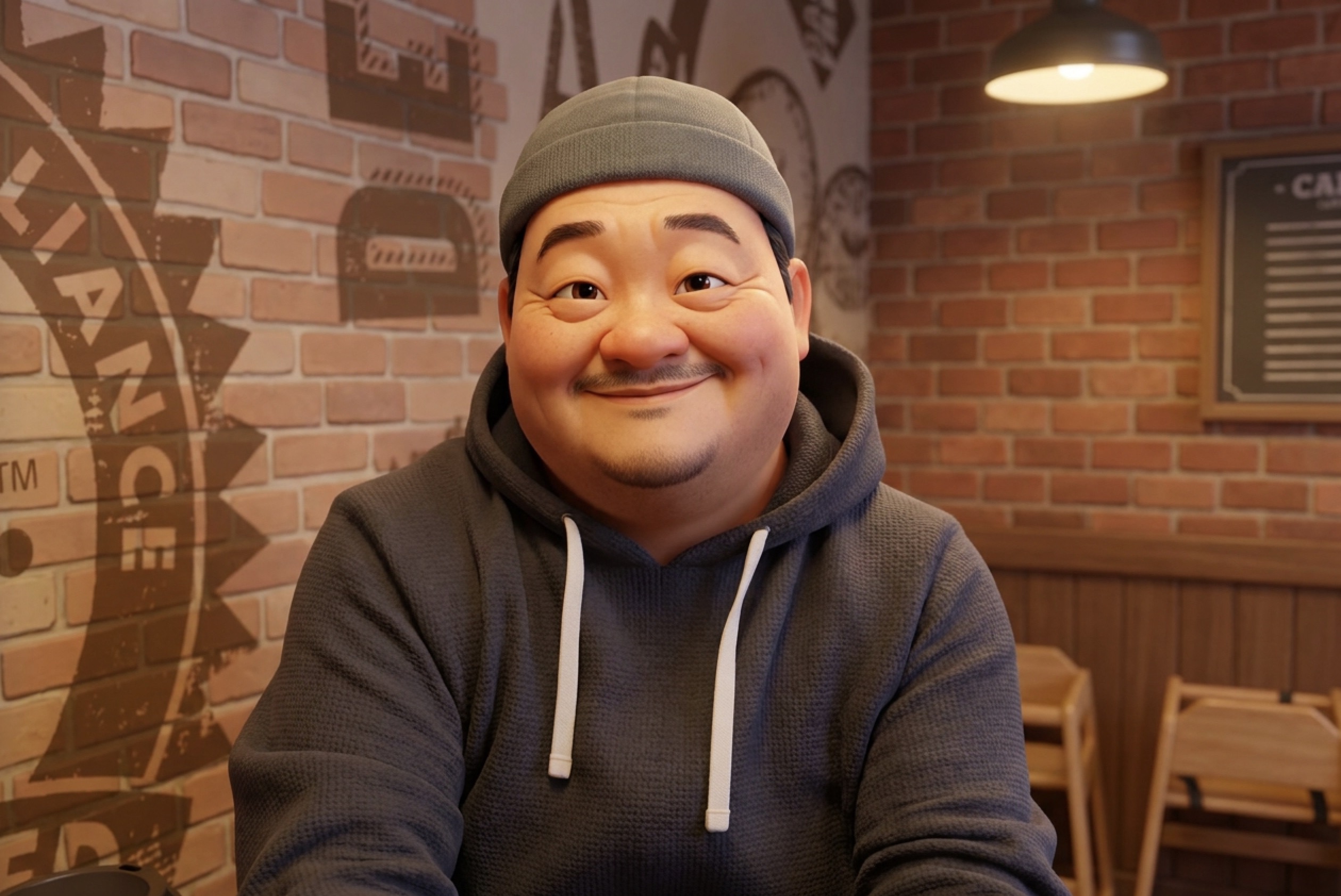
A Personal Message from Koua
I've been a photographer for almost 40 years now, ever since I first picked up a black-and-white 110 film camera in high school. I never set out to make it a career — life had other plans, the way it does for most of us, and a stable job took priority over dreams of shooting professionally.
But photography never let go of me. It's woven into who I am — part of my soul, if that doesn't sound too dramatic. Over the decades I've owned cameras from Sony, Nikon, Canon, Leica, and Fujifilm, everything from entry-level bodies to gear well beyond what I could reasonably justify. I made it work anyway, and I loved every single one of them. Like a lot of photographers my age, I went through that familiar arc: chasing sharpness, chasing perfection, chasing a little bit of bragging rights along the way.
Then, somewhere along the way, I kept finding myself pulled back to the memory of that first 110 camera — the anticipation of not knowing what you'd captured until you developed it yourself in a darkroom. That pull toward something slower, more deliberate, and honestly more imperfect became impossible to ignore. I sold off all my gear and bought a Fujifilm X100VI Limited Edition, #70 of however many were made. Then I sold that too, because I didn't want a camera I felt obligated to treat like a museum piece. What I wanted was just a camera I could use. So today, I shoot with a plain, ordinary X100VI — and I love it.
It has everything I could ask for in an everyday camera. Genuinely, everything — except one thing. I never enjoyed manually typing in custom film recipes from the recipe websites I love, and the camera only gives you seven custom slots to store them. Worse, if I wanted to preview how a new recipe would actually look, I had to dial it in, tether the camera to Fujifilm's desktop software, and wait for it to reprocess the shot. Tweak the recipe? Tether again. Reprocess again. Repeat.
So, as a retired engineer with a lot of free time, I went looking for an app that would at least let me build recipes and sync them to the camera wirelessly, out in the field. I couldn't find one. So I decided to build it myself.
That itch — loving Fujifilm cameras, loving the idea of custom recipes, but not loving the software limitations — is where lilocam began. I started digging into how Fujifilm actually processes its SOOC (straight-out-of-camera) files, and that curiosity turned into a rabbit hole. A lot of rabbit holes, actually. Eventually it led me to build my first "digital darkroom" engine, which I called Inara. It was rough, but it worked — a jack-of-all-trades engine built to handle any RAW file, which also meant it was a master of none.
Since the only camera I own today is my X100VI, I set my sights higher and started building something more focused: an engine called Nebula, built specifically to understand and replicate Fujifilm's color science. It took months of testing and refinement, shot after shot, with my X100VI as the gold standard the whole way through. That camera never gave up on me — even when it froze mid-test, a quick battery pull was all it ever took to bring her back for another round.
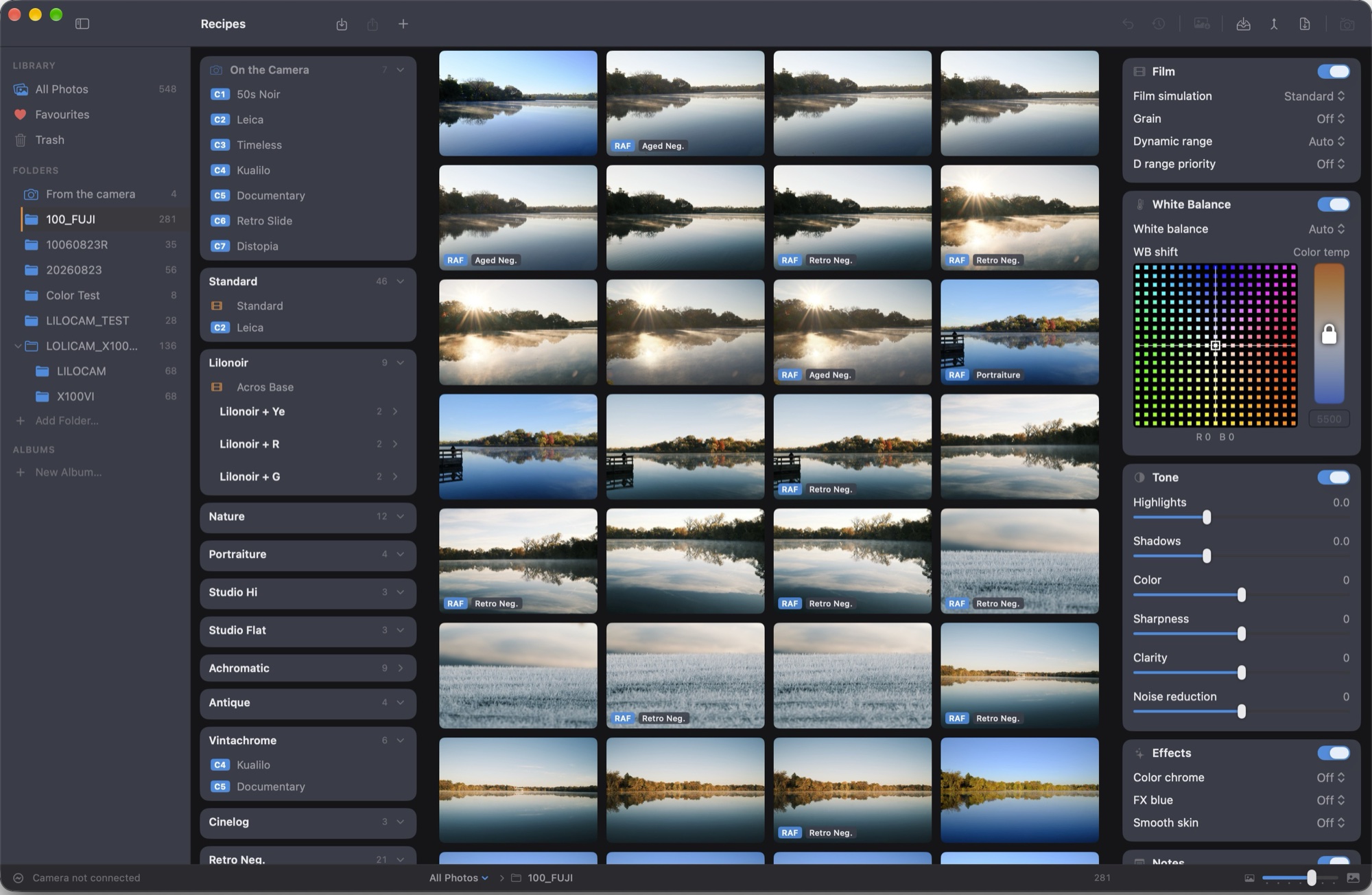
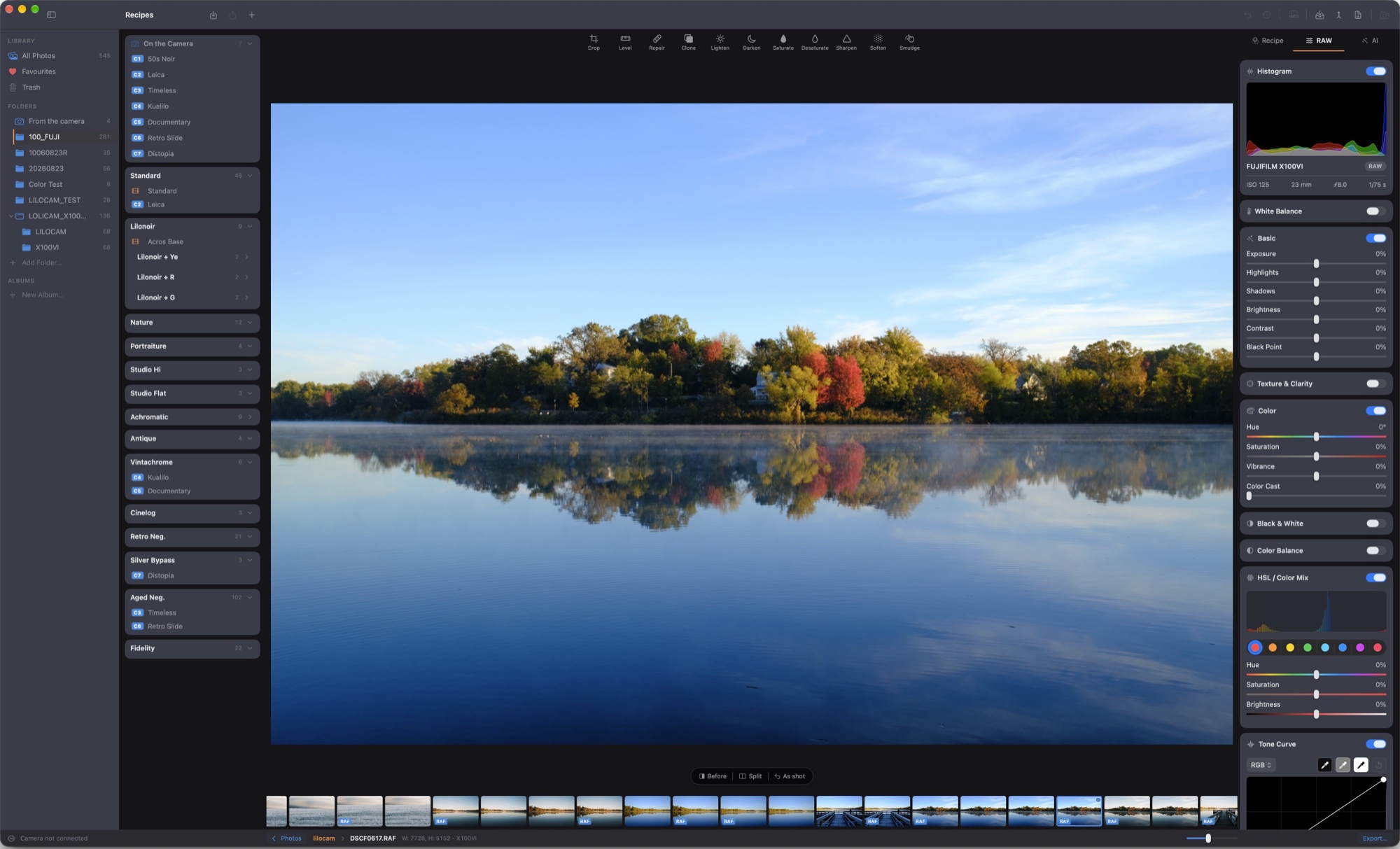
Once Nebula could reliably render Fujifilm RAF files to match what the camera itself produced in-camera, I started building a desktop photo editor — one that could handle any RAW file using Inara, with Nebula reserved specifically for Fujifilm RAF files. Then, one night, in the middle of all that work, a question came out of nowhere: why not put these engines on an iPhone and build a whole new kind of camera app?
That question became lilocam.
Once I started, I couldn't stop adding features I genuinely believe will change how people see and use their phone cameras. There's now a true digital darkroom living inside your phone — no LUTs, no cubes, no filters to nudge and guess at. Every photo is developed, layer by layer, using whatever recipe you build yourself or borrow from your favorite recipe site. From this point on, photos taken on a phone don't have to look like they were taken on a phone. To me, that's not a small improvement — it's revolutionary.
Will this replace my X100VI? Not a chance — no phone sensor today can compete with a larger sensor and genuinely good glass, and I don't expect that to change soon. But will I reach for my iPhone more often now? Absolutely. My iPhone photos, run through lilocam, look and feel remarkably close to what comes out of my X100VI.
I want to be honest here, too: this isn't magic, and I won't pretend it is. Apple's sensor and Fujifilm's sensors are fundamentally different pieces of hardware, and lilocam won't produce an exact match to Fujifilm's SOOC files — but it gets close. Closer still if I wirelessly pull the actual RAF file off my camera and let lilocam develop it directly. Using my own recipes and the source RAF, I can get lilocam to match my X100VI's SOOC output by about 99.25% — measured by my test algorithms, but most importantly, my own eyes.
There's a lot more I could tell you about what's inside lilocam, but here are a few of the features I'm proudest of:
- A custom RAW format (.KUA) — I stripped Apple's ProRAW format down and rebuilt it with exactly what lilocam's digital darkroom needs to do its job.
- Point-and-scan recipes — using Apple's Vision framework, you can literally point your phone at a recipe posted on one of the popular Fujifilm recipe sites, and lilocam will read it in automatically.
- Recipe sharing — export any recipe as a JSON file or a QR code. If enough people want it, I may build a proper sharing site down the road.
- Full support in video — recipes apply to movies too. Preview exactly how your footage will look before you commit, and re-render it with a different recipe any time you change your mind. Color grading done right, whenever you decide to do it.
- Wireless remote shooting — use lilocam as a remote trigger for your Fujifilm camera, for both stills and video. I stumbled into this one by accident: with the camera hanging around my neck and lilocam in remote mode, people just assume I'm on my phone — which turns out to be a pretty effective way for a shy street photographer to get natural, candid shots.
I could keep going, but this letter is already longer than I planned.
As for lilocam studio, that project will resume once my lilocam camera app officially launches. So stay tuned.
If there's one thing I hope lilocam gives you, it's the chance to fall in love with your phone's camera — and maybe with photography itself — all over again.
Get out there and shoot.